Tips for Organizing Your Belongings: Maximizing Your Home Inventory App
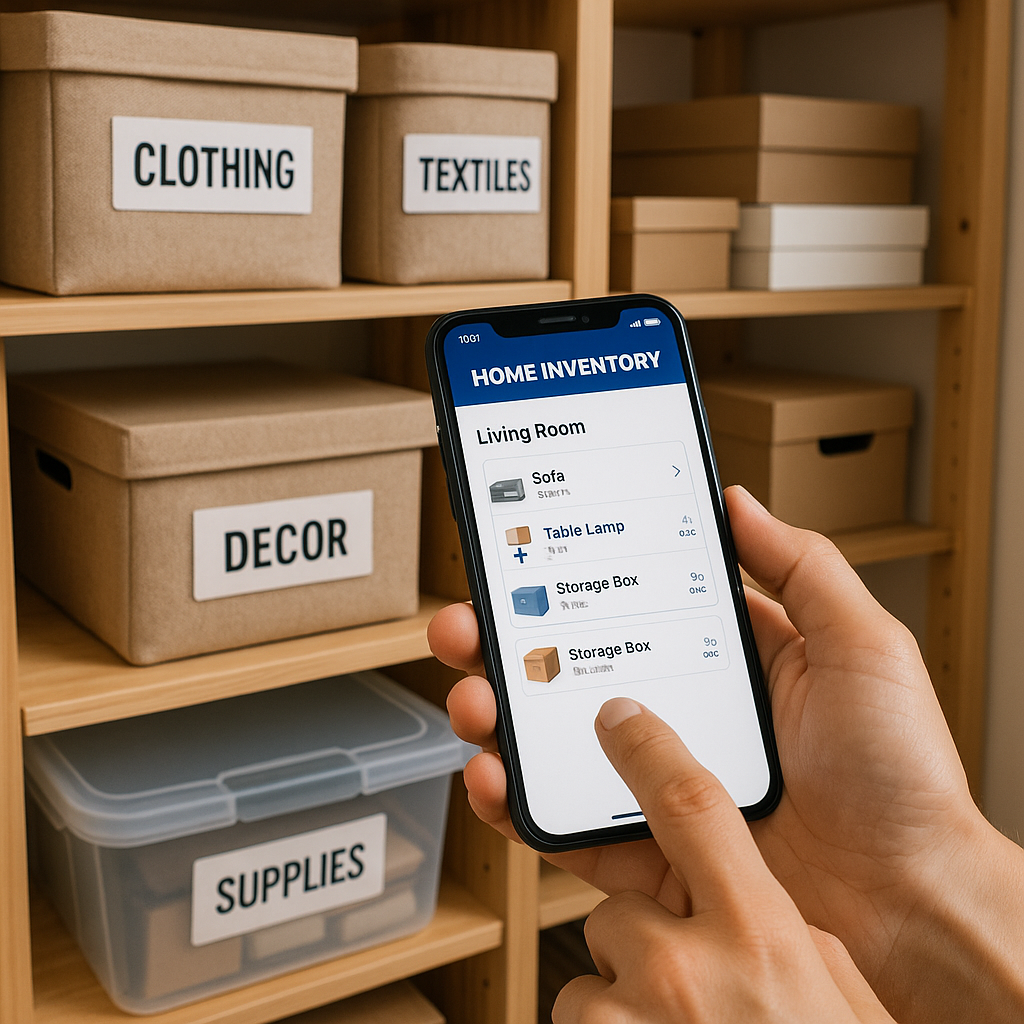
Organizing your belongings isn't just about tidying up—it's about gaining control over your space, protecting your assets, and simplifying your life. Whether you're preparing for a move, filing an insurance claim, or simply decluttering, a home inventory documentation app like Home Contents List Pro can be your best ally. This tool lets you define your home's rooms and catalog items within them, including details like name, price, condition, and age, with the option to attach images. By systematically documenting your possessions, you create a digital blueprint of your home that saves time, reduces stress, and ensures nothing gets overlooked.
Start by assessing your overall space. Walk through your home room by room, noting what belongs where. Use the app to define named rooms - living room, kitchen, bedroom, garage, etc. - to mirror your home's layout. This structure makes it easier to locate items later and spot duplicates or underused possessions.
Here are some practical tips to get the most out of organizing with your app:
- Categorize Items Logically: Group similar items together within each room. For example, in the kitchen, separate appliances, utensils, and pantry goods. Assign descriptive names like "Stainless Steel Blender" and note the purchase price ($150), condition (excellent), and age (2 years). Attach photos from multiple angles to capture details like serial numbers or wear.
- Prioritize High-Value Items: Begin with valuables such as electronics, jewelry, or antiques. Document their worth accurately for insurance purposes. If an item's condition has deteriorated, update it in the app - say, from "new" to "average" after a year of use. This helps track depreciation over time.
- Declutter as You Go: As you add items to the app, evaluate if you really need them. Ask: Have I used this in the last year? If not, consider donating or selling. Remove it from the inventory once gone, keeping your digital record current.
- Incorporate Visuals: Always opt for images when possible. Snap clear photos in good lighting, including close-ups of labels or damage. This visual proof is invaluable for claims or resales, turning your app into a comprehensive visual database.
- Set Reminders for Updates: Life changes: items break, get replaced, or accumulate. Schedule quarterly reviews in your calendar to revisit the app, updating conditions, ages, or adding new purchases. This keeps your inventory dynamic and accurate.
- Secure and Backup Data: Protect your digital inventory by using app features like cloud sync or export options. Keep your backups secure and password-protected on multiple devices if possible.
Beyond these steps, think about the bigger picture. Organizing digitally fosters mindfulness about consumption. You might discover you're overstocked in one area, like clothing in the bedroom, prompting a wardrobe purge. For families, involve everyone—assign rooms to different members to divide the workload.
In multi-story homes, label rooms with floor levels (e.g., "Upstairs Bathroom") for precision. If you have seasonal items, create a "Storage" room category to track holiday decorations or outdoor gear.
Ultimately, your home inventory app transforms chaos into clarity. By following these tips, you'll not only organize your belongings but also safeguard them against loss or theft. Start small -one room at a time - and build from there. The effort pays off in peace of mind and efficiency. With consistent use, you'll wonder how you managed without it.